Weblow

Why Webflow Hosting Is Worth It (2026 Guide)

Discover why Webflow hosting outperforms WordPress, GoDaddy, Bluehost, and cPanel hosting. Learn about its speed, security, uptime, zero maintenance, and long-term cost savings in this clear, client-friendly guide.

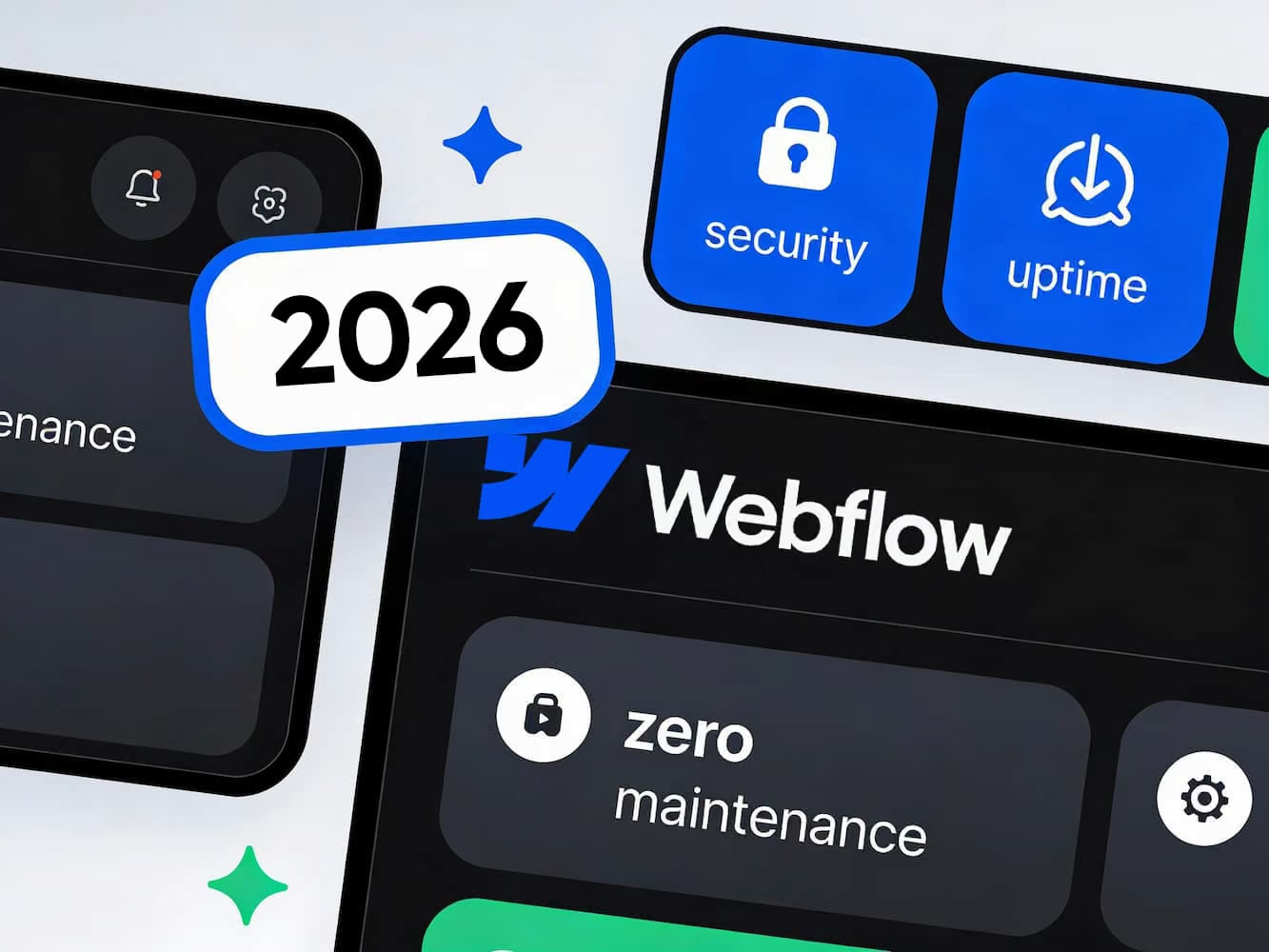
Desktop workspace showing a computer screen with a Webflow hosting performance graph and the Webflow logo, highlighting faster, secure, reliable website hosting.
This is some text inside of a div block.
SHARE
Twitter / XFacebookPinterestRedditTelegramLinkedin
Webflow hosting, Webflow site hosting, Webflow hosting review, Webflow hosting benefits, Webflow hosting features, Webflow hosting speed, Webflow performance, Webflow CDN, Webflow AWS, Webflow Fastly, Webflow uptime, Webflow security, Webflow SSL, Webflow scalability, Webflow traffic spikes, Webflow maintenance, Webflow no plugins, Webflow Editor, Webflow CMS, Webflow vs WordPress hosting, Webflow vs Bluehost, Webflow vs GoDaddy, Webflow vs Hostinger, Webflow vs shared hosting, Webflow vs cPanel, secure Webflow hosting, fast Webflow hosting, enterprise Webflow hosting, managed Webflow hosting, Webflow optimization, Webflow SEO, Webflow site speed, Webflow global CDN, automatic code optimization, plugin-free hosting, cloud hosting for Webflow, secure cloud hosting, website uptime, hosting reliability, hosting for small business, hosting for agencies, best hosting for Webflow, is Webflow hosting worth it, should I host on Webflow, why use Webflow hosting, Webflow hosting comparison, Webflow hosting pricing, Webflow hosting pros and cons, Webflow hosting explained, Webflow migration

When choosing a website platform, hosting is usually one of those things business owners don’t want to think about. It feels technical, invisible, and (ideally) something you shouldn’t have to manage.

And honestly?

You shouldn’t.

That’s exactly why we recommend Webflow hosting to our clients at Rad Sled. While it’s not the cheapest option, it consistently delivers the highest performance, strongest security, and lowest long-term maintenance cost.

Below is a simple, client-friendly explanation of why Webflow hosting outperforms traditional hosts (like shared cPanel hosting, Bluehost, Hostinger, GoDaddy, WP Engine, and similar) and how paying a little more each month saves you money, time, and tech headaches later.

1. Webflow Hosting Is Built for Speed

- and Speed Matters More Than Ever

Traditional hosting relies on shared servers, meaning your website competes with hundreds (or thousands) of others for resources. One badly coded site can slow down the entire server.

Webflow solves this with world-class infrastructure:

Built on AWS + Fastly CDN (global infrastructure out of the box)

Your content is served from the location closest to your visitor, making the site load fast anywhere in the world.

Automatic optimization

Images, code, and scripts are all minified and compressed automatically—no plugins or manual setup needed.

Real-world results

Clients consistently see speed improvements simply by switching their hosting to Webflow.

Fast sites rank higher, convert more visitors, and build trust immediately.

2. Less Maintenance, Fewer Headaches

One of the biggest hidden costs of traditional hosting is maintenance. Plugins need updates, themes can become outdated, and security patches often require manual attention. When these tasks are skipped, websites become slow, unstable, or vulnerable.

Webflow hosting removes this responsibility entirely. Updates happen automatically in the background, and there are no plugins or themes to manage. Your website stays stable without ongoing technical work.

For many businesses, this alone is reason enough to switch.

3. Security Built Into the Platform

Security is another area where traditional hosting often relies on add-ons. Firewalls, SSL certificates, and protection against attacks are frequently handled through third-party tools.

Webflow takes a different approach. Security is built into the hosting itself, including automatic SSL, server-level protection, and a platform structure that avoids common attack points. This means fewer tools to manage and a lower risk of issues caused by outdated plugins or misconfiguration.

4. Hosting That Grows With You

Traffic spikes can be a good thing, but on basic hosting they can slow your site down or even take it offline. Webflow hosting scales automatically as traffic increases, without requiring plan upgrades or additional configuration.

Whether your site is shared widely, featured in the media, or running a successful campaign, performance stays consistent and predictable.

5. An Editing Experience Your Team Will Adore

Updating a website shouldn’t require a developer. With Webflow hosting, your team can edit content directly on the page using Webflow’s visual editor.

Edit Visually

Text and images can be updated directly on the live layout.

Design Protection

Your layout and styles remain safe while content is updated.

Instant Publishing

Changes go live immediately without extra steps.

This keeps your site flexible while avoiding accidental design issues.

6. Clear Pricing Without Hidden Extras

Many low-cost hosting plans appear affordable at first but require additional tools for performance, security, backups, and scalability. Over time, these add-ons increase both costs and complexity.

Webflow hosting includes everything needed to run a fast, secure website in one plan. There are no surprise charges for traffic spikes and no need to manage multiple subscriptions.

Why We Recommend Webflow Hosting at Rad Sled

When we build websites in Webflow, we design them specifically for the platform and its hosting environment. This allows us to keep builds clean, performance high, and future updates simple.

Because Webflow hosting is so reliable, our clients rarely need to contact us about technical issues or unexpected breakages, and that means no extra invoices for fixing things that suddenly stopped working. Simply put, things don’t randomly break, so ongoing costs stay predictable.

Clients get a website they can manage confidently, without worrying about maintenance, downtime, or hidden hosting problems.
Is Webflow Hosting More Expensive? Yes.

Is It Worth It? Absolutely.

You’re not paying more for hosting.

You’re paying for:

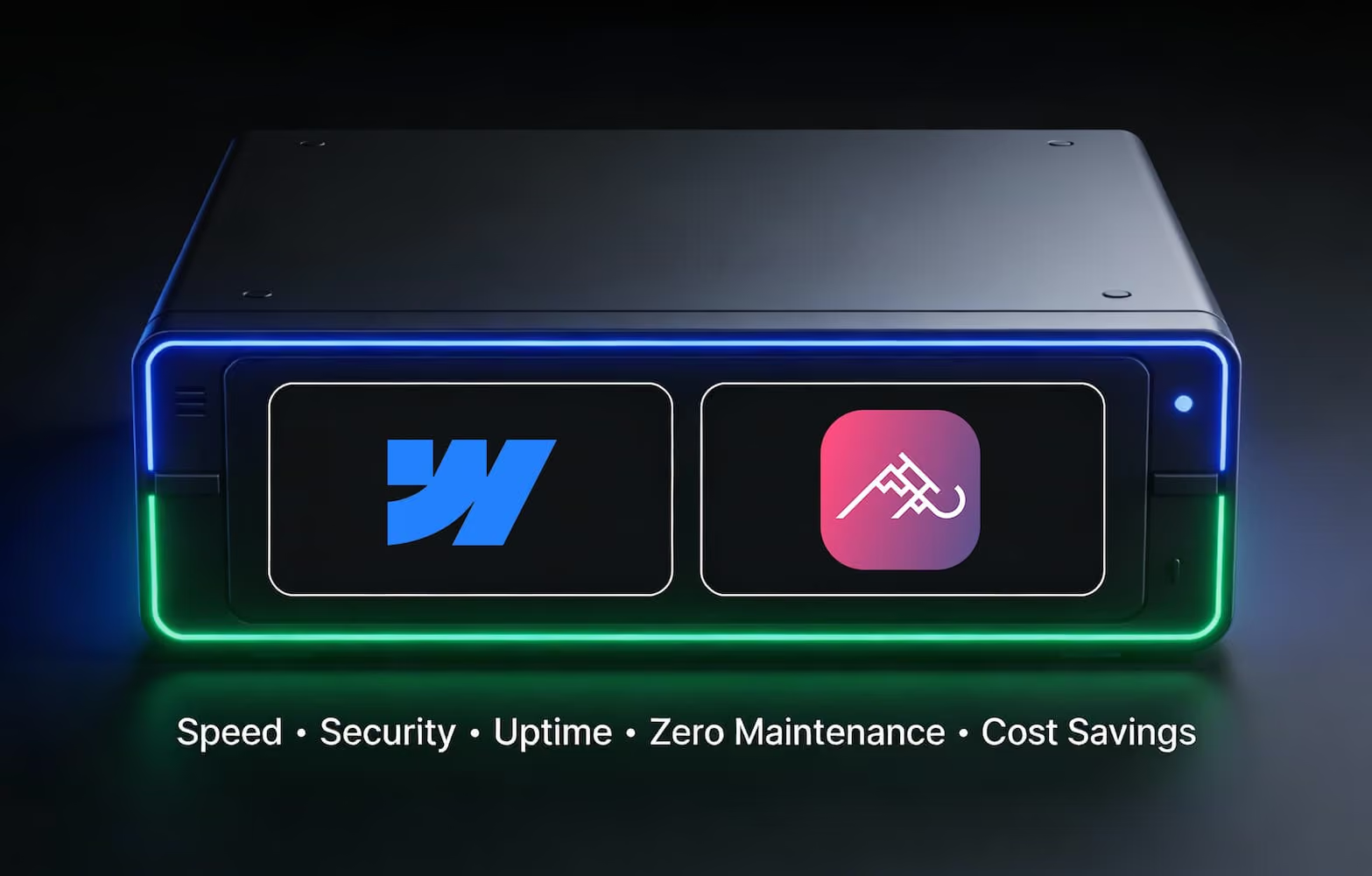
  • speed that boosts conversions
  • security you don’t have to manage
  • guaranteed uptime
  • zero-maintenance stability
  • a website that simply works

For businesses that value reliability, speed, and ease of use, it’s a practical long-term investment.

If you’d like help choosing the right plan, or want to see how Webflow hosting would support your website, reach out. We’re happy to walk you through it.


SHARE POST
Twitter / XFacebookPinterestRedditTelegramLinkedin
MORE FROM BLOG

Find more stories

Sketching website layout wireframe idea to notebook
Website Redesign

Why Redesigning Your Website Boosts Results

Learn why redesigning your website can improve SEO, increase conversions, strengthen your branding, and even grow revenue. See what goes into a redesign and how businesses on any budget can benefit.

User interface experience design; vector graphics
Website Templates

The Problem With One-Size Web Templates

Thinking of using a web design template? Understand the drawbacks first. Discover why many templates lack flexibility, uniqueness, and mobile responsiveness—and when a custom website is the smarter investment.

Woman scratching her head and wondering with a speech bubble thinking: "It's unfortunate that there isn't an easy way to find them."
New Website

Top Reasons Every Business Needs A Website

A great website boosts trust, grows your audience, answers customer questions, and works as your most effective marketing tool. See why having a website is no longer optional for any business.

Holding a phone over food in a restaurant looking at their menu on website
Hospitality

Why Restaurants Need Mobile-First Web Design

Discover why mobile-friendly web design is essential for today’s restaurants. Learn how responsive layouts, intuitive navigation, and optimized menus create a seamless mobile experience that boosts reservations, attracts new diners, and keeps your restaurant competitive in a mobile-first world.

Website code HTML
SEO

Importance of SEO-Friendly HTML

Learn why clean, SEO-friendly HTML is essential for higher rankings, faster load times, and better accessibility. This guide breaks down simple steps for writing optimized code—from smart title tags to keyword use and clean structure—so your website performs better for both search engines and real users.

Webflow Designer Dashboard and Rad Sled Website being built
Webflow

Why Webflow Is the Best CMS

Discover why Webflow is the go-to CMS for designers who want to work smarter, not harder. Learn how its built-in responsiveness, real-time previews, and no-code flexibility make building beautiful, high-performing websites faster and easier than ever.