



1. BuildShip
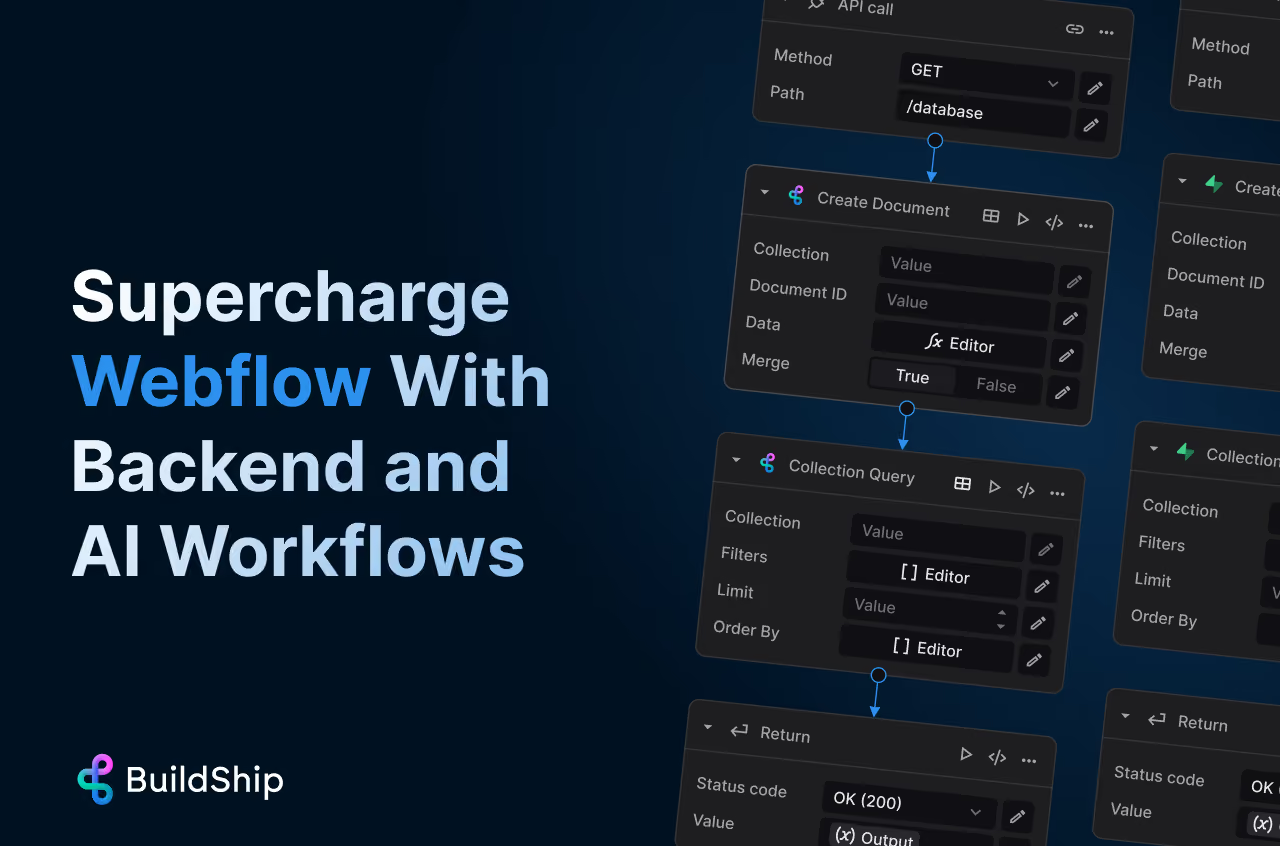
Best for: Backend workflows and advanced automation logic
BuildShip lets you create backend workflows for your Webflow projects without setting up a traditional server. Think APIs, logic, automation, and even AI, all connected to your Webflow site.
Key features
- Build custom backend workflows
- Connect APIs and external services
- Automate data processing
- AI powered automation capabilities
2. Relay.app
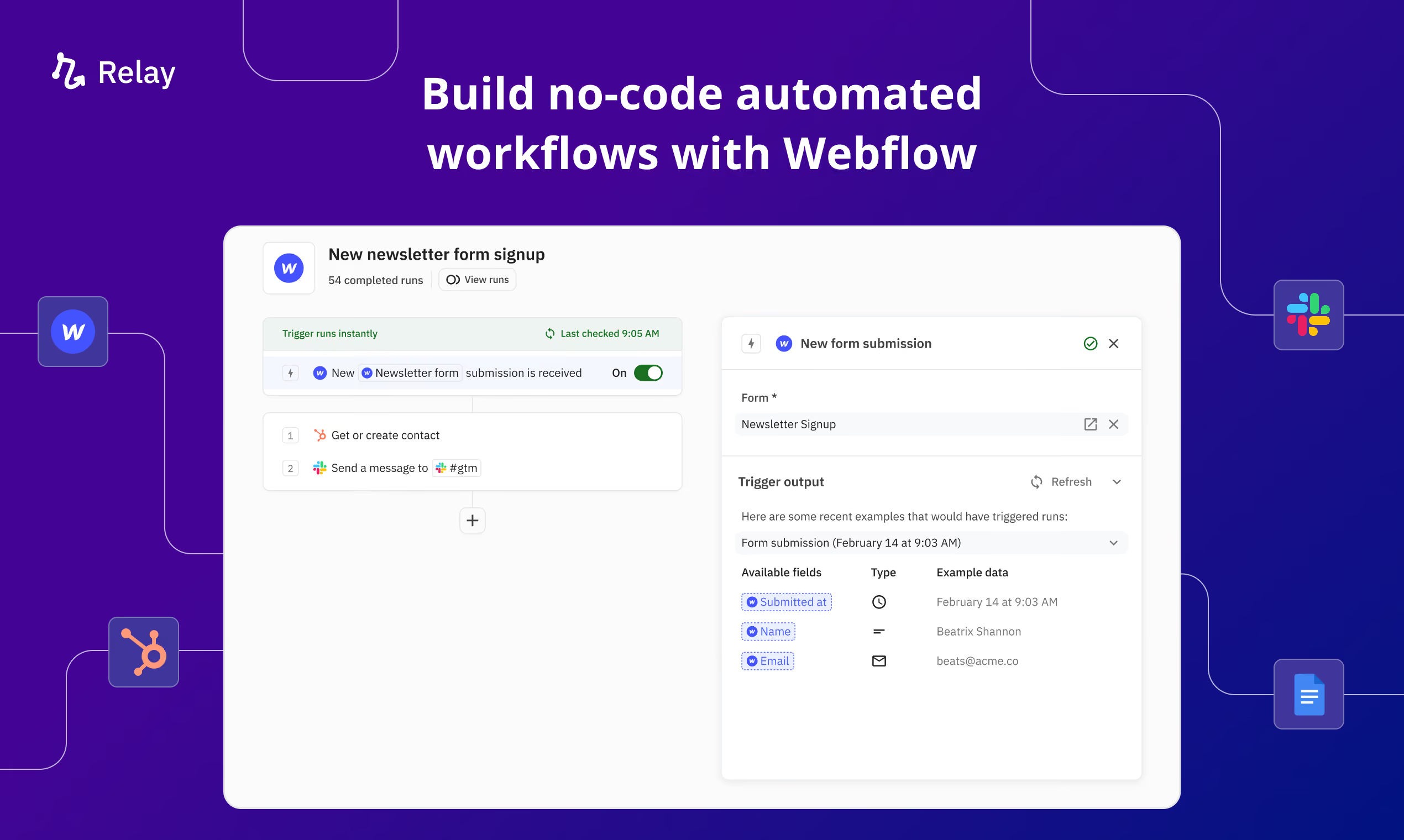
Best for: Structured workflows with approvals
Relay lets you build automation workflows that include both automated steps and human approvals. This makes it ideal for teams managing content, ecommerce, or client workflows.
Key features
- Visual workflow builder
- Human approval steps
- Automate CMS and form workflows
- AI and logic based automation
3. Loop Events

Best for: Recurring events and bulk CMS duplication
Loop Events automates one of the most frustrating tasks in Webflow, duplicating recurring CMS items like events, schedules, or repeated content.
Key features
- Turn one CMS item into hundreds automatically
- Automate recurring events
- Eliminate manual duplication
- Built specifically for Webflow
4. MeldAPI
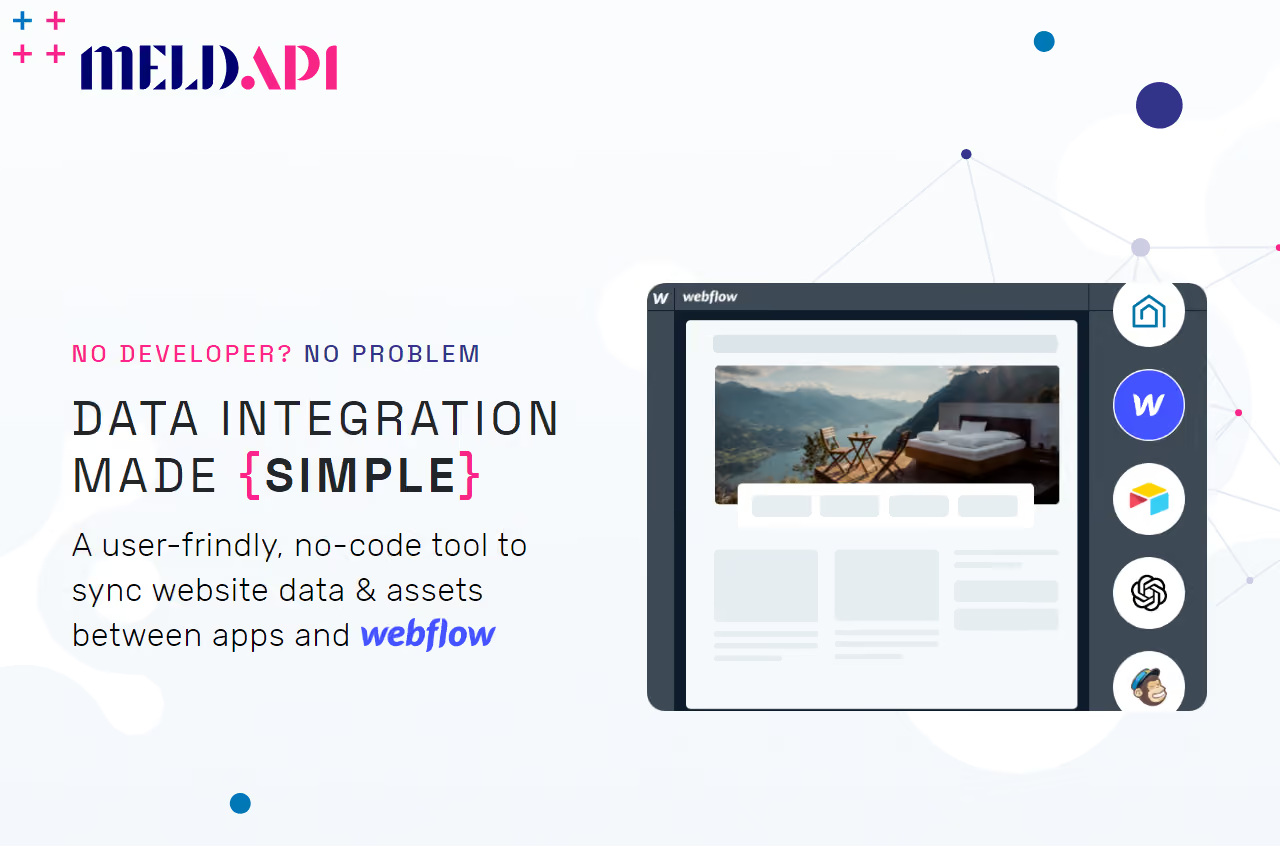
Best for: Data syncing across platforms
MeldAPI connects your Webflow CMS with tools like Airtable, APIs, and other data sources. It acts more like a data pipeline than a simple automation tool.
Key features
- Sync CMS data across platforms
- Connect APIs and external databases
- Handle structured data and media
- Automate data flows
5. ScheduleFlow
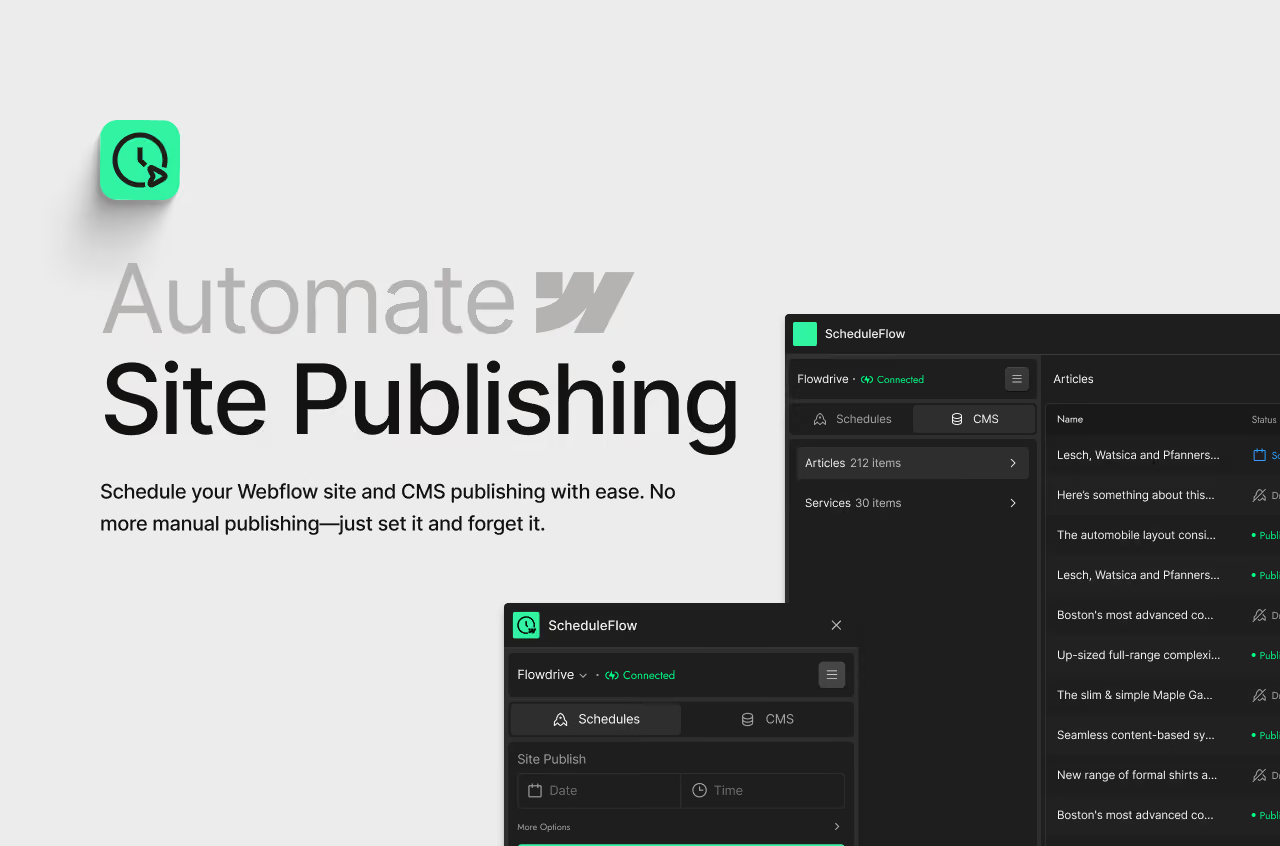
Best for: Scheduling CMS publishing
ScheduleFlow gives you control over when your CMS content goes live. Instead of manually publishing at specific times, you can plan everything in advance.
Key features
- Schedule CMS items to publish automatically
- Plan content releases
- Manage time based updates
- Improve publishing workflows
What Should You Actually Use
Let’s make this simple.
- If you want advanced workflows, use BuildShip
- If you need structured automation with approvals, use Relay
- If you deal with recurring events, use Loop Events
- If you manage data across platforms, use MeldAPI
- If you need scheduling, use ScheduleFlow
Start with your biggest pain point, not the most powerful tool.
Automation in Webflow is not about doing everything faster. It is about removing the work you should not be doing in the first place. Manual duplication. Repetitive updates. Publishing at odd hours just to hit a deadline. Fix one workflow and you will feel it immediately. Fix a few and suddenly Webflow starts working for you instead of the other way around.

.avif)

.avif)